

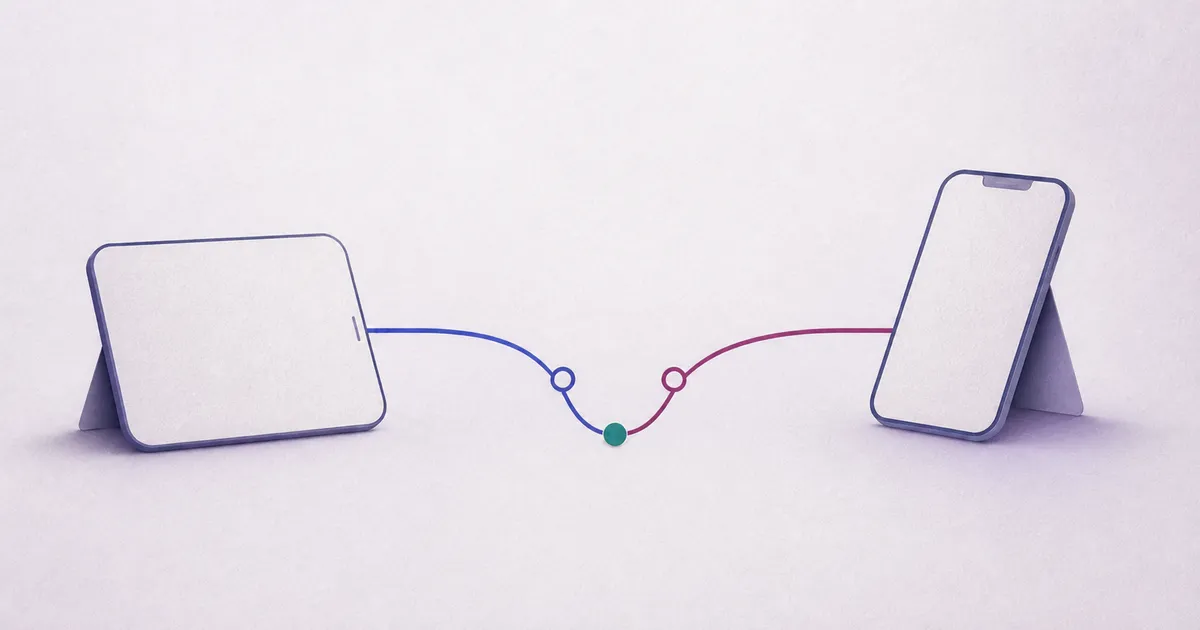
Save on the phone first
When you tick an item or add a project step, the change is saved on your device first. You should not have to wait for a network response after every small action. That matters in a shop, on a train, in a garage and anywhere reception is unreliable.
What you can do without connectivity
You can use information already saved on the phone and make supported changes. The app should clearly distinguish a change saved on your device from one that has already reached the other person.
- read a saved list or plan,
- add or tick off an item,
- see which changes are waiting to be sent.
What still needs a connection
Connectivity is needed for sign-in, inviting the second person, approving a new device and passing changes between phones. ‘Works offline’ does not mean that two disconnected phones instantly know about each other’s new changes.
Return to a shared state
When connectivity returns, content is encrypted on the phone before it is sent. The server stores encrypted data and the technical metadata needed to update the shared state. The other phone sees the change after it connects and updates.
Two changes to the same thing
Most independent changes can be combined. If both people changed the same part, they may briefly see different versions. For an important difference, the app should keep both and ask for a deliberate choice.
How to examine it in the pilot
Use flight mode, add a neutral test item, then restore connectivity. On both phones, check whether the app clearly shows waiting, sending and the final shared state. Use harmless test content rather than important documents.
Read about the pilot