

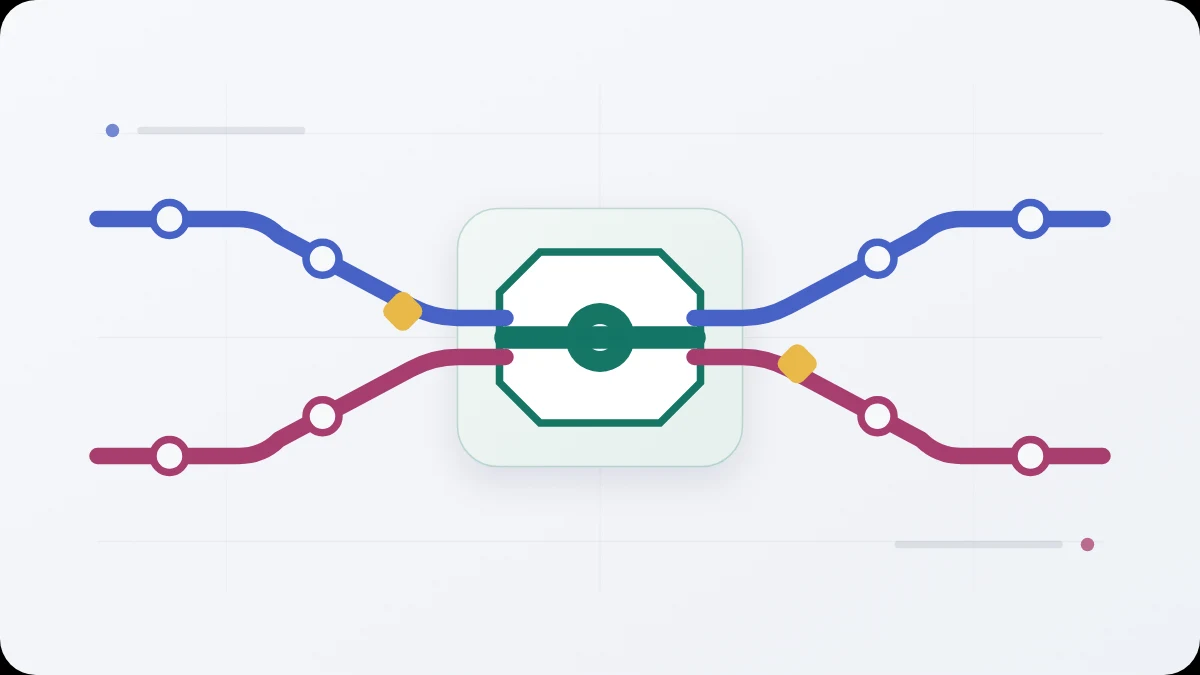
If the real problem is that shared matters are scattered across several places and one person has to remember on behalf of both, the number of features is not the main question. The important thing is one reliable shared state that both people can access equally.
The short answer
A useful shared-home app for two people should let both people check the current state independently, continue through weak connectivity, make sync status clear, keep household detail out of lock-screen notifications, support export and avoid forcing one person into the role of household administrator. Extra modules only help if the shared state stays simple.
Start with the problem, not the feature list
Before installing another app, answer one question:
Which information do we currently have to reconstruct from messages, memory or several different apps?
If the answer is mainly “our diary”, a good shared calendar may be enough. If the only issue is shopping, a simple shared list may be better than a full household hub.
A broader home organiser starts to make sense when the problem crosses several categories at once: shopping, dates, bills, recurring matters and small projects.
1. Equal access for both people
The first test is whether both people can:
- see the same current state;
- add or change shared information;
- check what needs attention without asking;
- see that the other person has already completed something.
If one person has to configure everything, assign every item and keep the system up to date, the app may simply move the mental work from somebody’s head into an admin panel.
2. State rather than a message stream
Shared organisation needs to answer “what is true now?”, not merely preserve what somebody said earlier.
A good app should be able to distinguish at least:
- active and finished items;
- a due date and its completion;
- a recurrence and its next occurrence;
- a project and its next step;
- a local change and a change already shared with the other device.
3. Useful offline behaviour
“Offline” does not have to mean every feature works without the internet. Three questions matter more:
- can you still read information already stored on the phone;
- can an ordinary change be saved locally;
- does the app clearly show that the change has not yet reached the other person?
This matters particularly for shopping and checklists used away from home.
4. Honest handling of two simultaneous changes
If both people edit the same thing, the system should have explicit rules. Automatic merging is useful where it does not remove information. Silent “last write wins” behaviour may be easy to implement but can be poor for people using the app.
Ask what happens when two phones are offline for several hours and both change the same item.
5. Notifications that do not expose household details
The lock screen is part of the privacy model. A bill name, amount, document title or plan detail does not necessarily belong in a notification visible on a desk, on public transport or beside colleagues.
A safer pattern is a neutral signal that the shared state has changed, with detail available after opening the app.
6. Clear privacy boundaries
“Encrypted” is not enough on its own. You should be able to find out:
- where content is readable;
- when it is encrypted;
- what the server stores;
- which technical metadata remains visible;
- who delivers notifications;
- whether search happens locally;
- how a new device is approved.
The companion guide “How to choose a private shared-home app” provides a fuller checklist.
7. Export and leaving the service
Shared information should not become captive to the app. Check whether it can be exported and what happens if one person wants to stop using the service.
With a two-person household, deleting one account should not silently destroy the other person’s account or data.
8. Features you may not need
More modules do not automatically make a better household tool. Be cautious when one product tries to replace messaging, banking, a calendar, accounting, file storage and project management at the same time.
A good product should be able to say what it does not do.
A short pre-install checklist
Score each candidate from 0 to 2:
- both people have equal access;
- the current shared state is clear without asking the other person;
- basic information remains available offline;
- sync state is visible;
- conflicts do not silently delete content;
- notifications avoid sensitive detail;
- the privacy explanation describes what actually happens to the data;
- there is a usable export;
- account deletion has clear rules;
- the tool solves your real problem without adding daily administration.
A weak score on the first four points is usually more important than the absence of an impressive extra feature.
Where Home Cadence fits
Home Cadence is being prepared as a local-first hub for exactly two people on Android. Its planned scope includes a shared Today view, recurring matters, shopping, bills, projects and plans. Content is designed to be encrypted on the phone before it is sent, while notifications are designed not to contain household content.
This describes the intended design and pilot scope rather than a promise of a publicly available release. Pricing has not been set and payments are off.
Questions
Should a household app replace messaging? No. Conversation and shared state solve different problems. Messaging is for discussion; a home organiser should preserve the current state of matters that require action.
Does a shared household budget require bank access? No. Dates, statuses and simple categories can be shared without aggregating bank accounts. Home Cadence is not a bank or payment service.
Do both people need the same phone model? That is not part of the product model. The pilot being prepared does, however, require Android phones for both people.